
Free

Free Screen Sharing Software for Windows

ScreenSharePRO is free for personal use, and while it is in early access every feature is free for everyone — no trial timer and no card. Share your screen straight from a browser, or install the free Windows app so someone you trust can control your PC and help you.

At a glance

What makes free screen sharing different

Share your screen or let someone control your Windows PC at no cost: free for personal use, with every feature free during early access and no card needed.

  • Free for personal use — no trial timer, no card
  • Every feature free during early access, remote control included
  • Share from a browser with nothing to install (view-only)
  • Encrypted, peer-to-peer sessions
Download for Windows
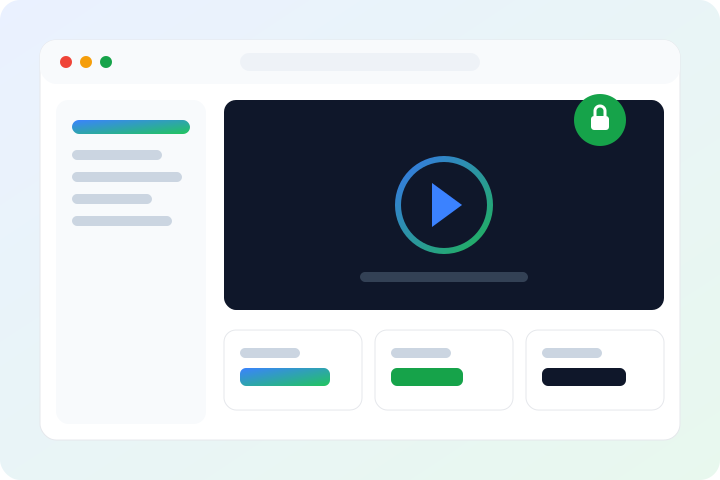
ScreenSharePRO sharing a Windows screen for free
Free
For personal use
No card
To get started
3
Browsers: Chrome, Edge, Firefox
P2P
Encrypted sessions
In depth

How we deliver free screen sharing

Share your screen from a browser

Sign in to the ScreenSharePRO web app in Chrome, Edge or Firefox and share your screen. The other person joins from the Windows app or their own browser with your session code, or your ID and password. Sharing from a browser is view-only: they can watch, but not control your computer.

  • Nothing to install to share
  • They join with a session code, or your ID and password
  • View-only when you share from a browser

Let someone control your PC with the free Windows app

To let someone control a PC — to fix a problem or walk you through a setting — install the free Windows app on that PC. It starts sharing by itself a few seconds after it opens. Nobody can connect without both your ID and your current password, and a new password is made every time the app starts.

  • Windows 10, 11 and Server 2016+ (64-bit)
  • Your ID and password, or a session code valid for 30 minutes
  • File transfer, clipboard sync and multiple monitors

What free means

ScreenSharePRO is in early access. Personal use is free, and every feature is free for everyone while early access lasts. A Pro plan with the features a support team needs is coming; when paid plans are introduced, free users move to the Free plan automatically.

  • Free plan for personal use
  • Every feature free during early access
  • Pro plan details on the Pricing page
FAQ

Questions about free screen sharing

Is ScreenSharePRO really free?
Yes, for personal use, with no trial timer and no card. During early access every feature is free for everyone. A paid Pro plan for support teams is coming - see Pricing.
Can the other person control my computer?
Only if the Windows app runs on your PC and they have your ID and current password, or your session code. Sharing from a browser is view-only. You can disconnect a viewer at any time, and making a new password disconnects everyone who is watching.
Is free screen sharing safe?
Sessions are encrypted WebRTC connections (DTLS-SRTP) that go peer-to-peer and use a relay only when a direct path is blocked. Nobody can connect without both your ID and your password.
Does it work on Mac or Linux?
The computer you control must run Windows 10, 11 or Server 2016+. The person connecting can use the Windows app, or the web app in Chrome, Edge or Firefox. Native macOS, Linux and mobile apps aren't available yet.

Ready to get started?

Download for Windows or try it right in your browser. Free during early access.